CaptureOCR
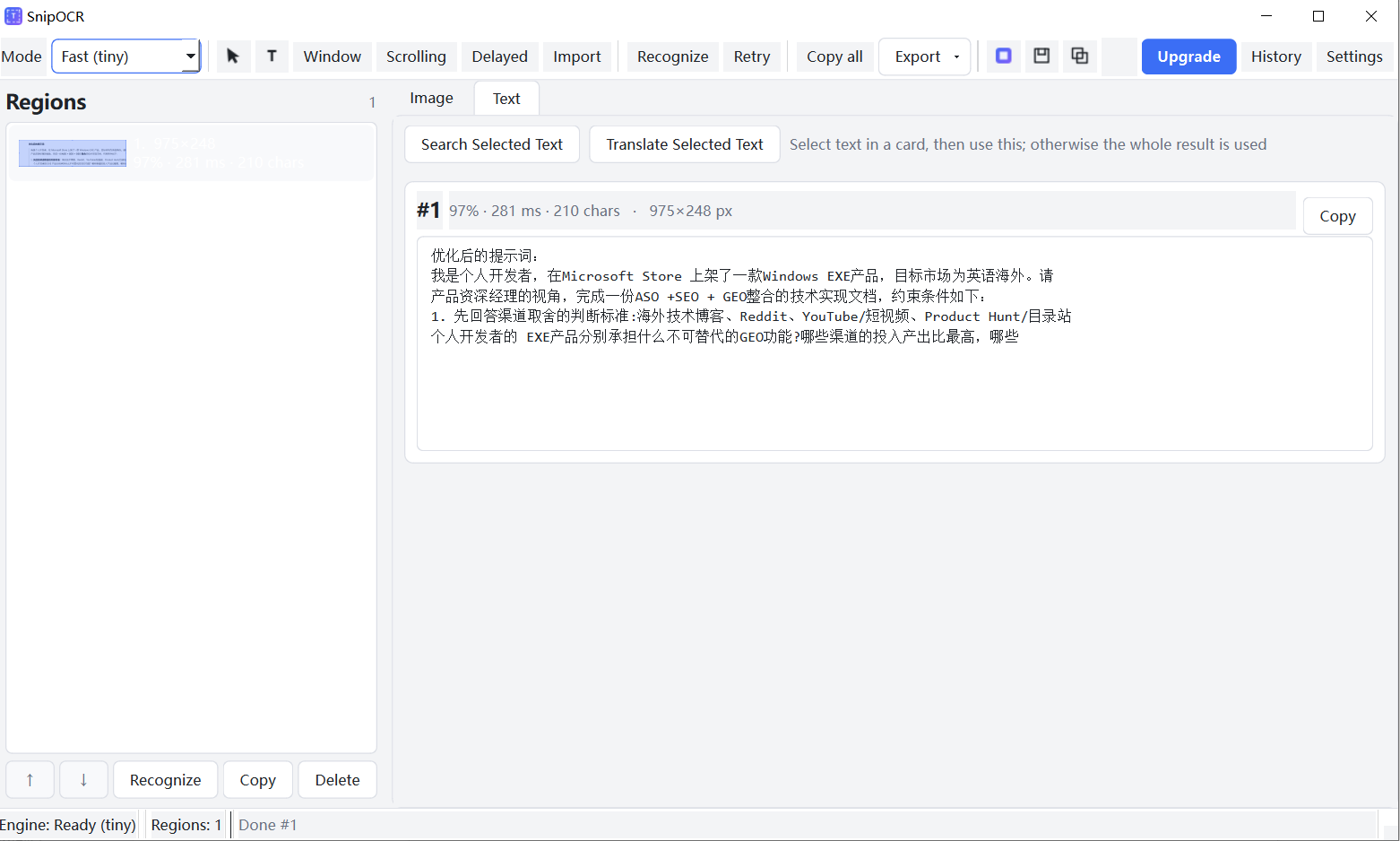
CaptureOCR is a Windows screenshot → annotation → batch OCR → structured output → beautify workflow tool built for Chinese/CJK mixed-text scenarios. It uses the PP-OCRv6 dual-tier offline engine and is available on the Microsoft Store as a one-time purchase.

Why CaptureOCR instead of the built-in Snipping Tool or existing tools?
Windows 11’s Snipping Tool has included local OCR (Text Actions) since 2023, and PowerToys Text Extractor (Win+Shift+T) can copy screen text for free. CaptureOCR does not compete on “can it extract text” — it competes on what happens after extraction: capturing multiple regions in one session, batch-recognizing them, exporting numbered Markdown tables or CSV, and keeping text extractable even after beautification.
| Capability | CaptureOCR | Windows Snipping Tool | Snipaste | ShareX |
|---|---|---|---|---|
| CJK-optimized OCR engine | ✅ PP-OCRv6 tiny/small | ⚠️ System OCR, weaker on CJK mixed layouts | ⚠️ OCR is Pro-only, engine undisclosed | ⚠️ Requires manual setup |
| Multi-region batch OCR + numbering | ✅ 10+ regions per session | ❌ | ❌ | ⚠️ Workflow possible |
| Structured export (Markdown / CSV) | ✅ With coordinates and confidence | ❌ | ❌ | ⚠️ Requires scripting |
| Annotation + Beautify + OCR in one window | ✅ | ⚠️ Basic annotation, no beautify | ✅ Strong annotation, no beautify+OCR loop | ✅ Powerful but steep learning curve |
| Offline out of the box | ✅ Tiny model bundled | ✅ | ⚠️ Depends on system APIs | ✅ |
| Bilingual UI | ✅ | ✅ Follows system | ⚠️ Limited | ❌ |
| Pricing | $2.99 one-time purchase | Free | Paid Pro tier | Free, open source |
| Learning curve | Low | Low | Low | High |
The ✅/⚠️/❌ ratings are based on publicly available feature descriptions and internal competitive verification. Snipaste’s “copy text” reads the system text-rendering interface, which is not pixel-level OCR for text inside images.
Key Features
Feature 1: CJK mixed-text OCR fills a real gap
PP-OCRv6 performs noticeably better than the Windows built-in OCR on American, Chinese, vertical text, rare characters, and small dot-matrix fonts. CaptureOCR offers Fast mode (tiny, ~6.6 MB) and Accurate mode (small, ~29.8 MB), letting users choose the speed/accuracy trade-off without needing to understand “models.” Internal measurements show tiny at roughly 78.7 ms per image and small at roughly 257.5 ms (on a local CPU with ONNX Runtime). Official figures of 317 ms / 654 ms use a different benchmark configuration and are not presented as product commitments.
Feature 2: Multi-region batch OCR + structured export (no competitor covers this)
Capture multiple regions in a single session, auto-numbered ①②③. Reorder, delete, or undo in the drawer. Export as a Markdown table or CSV, with each row containing region coordinates, confidence, and recognized text. This capability is not fully covered by any free or paid competitor, and it is the core justification for the $2.99 price.
Feature 3: Annotation → Beautify → OCR loop
Annotate with arrows, rectangles, highlights, and mosaic; add gradient backgrounds, shadows, and rounded corners — all in one window. The beautified composite image still yields extractable text. Competitors each excel at one piece; none combines beautified output with text extraction on the same image.
Feature 4: Offline, one-time purchase, native to the Store
The tiny model ships inside the MSIX package, so OCR works offline immediately after installation. The small model downloads once (~30 MB) and then also runs offline. $2.99 one-time purchase, no subscription.
Frequently Asked Questions
Q: Is CaptureOCR free? A: No. CaptureOCR is a one-time purchase of $2.99 on the Microsoft Store. The tiny OCR model is bundled in the installer, so OCR works immediately after installation without any download.
Q: Does OCR require an internet connection? A: No. The tiny model ships inside the MSIX package and works fully offline. The accurate (small) model downloads once (~30 MB) and then also runs offline — no cloud API is involved at any point.
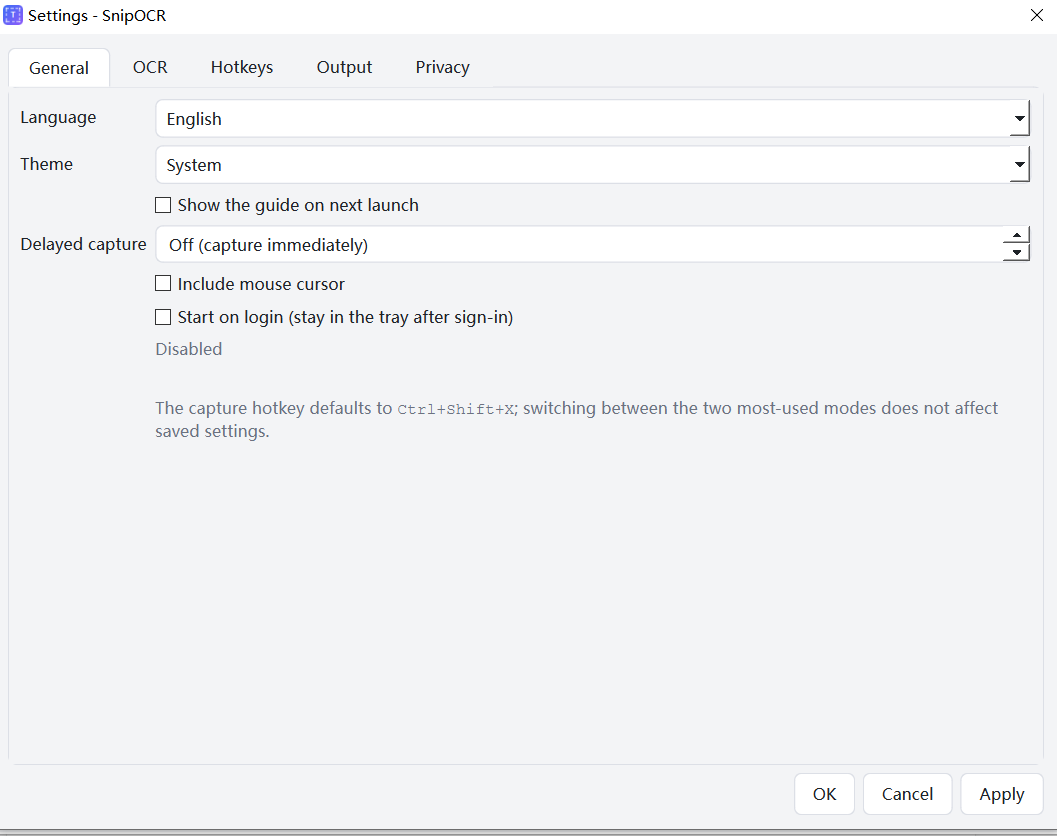
Q: What languages are supported? A: The PP-OCRv6 small tier covers 50 languages, including Chinese, Japanese, English, and 46 Latin-script languages. The tiny tier covers 49 languages and excludes Japanese — switch to Accurate mode for Japanese text.
Q: How is this different from the Windows Snipping Tool? A: The Windows built-in OCR is strong on Latin script and standard print, but weaker on Chinese mixed layouts, vertical text, and small dot-matrix fonts. It also handles only one region at a time and returns a plain text stream. CaptureOCR supports multi-region capture, numbered batch export to Markdown/CSV, and annotation + beautification in the same window.
Q: Does it support scrolling screenshots? A: Scrolling capture is on the roadmap (P1). The current release prioritizes stability for region/window/fullscreen capture, multi-region batch OCR, and structured export.